
NewsPlayStationXboxGTA 6Rockstar Games
How to adjust subtitles, contrast and controls in GTA VI
Rockstar's guide points players to options for readability, subtitles, camera comfort and control schemes for different activities.
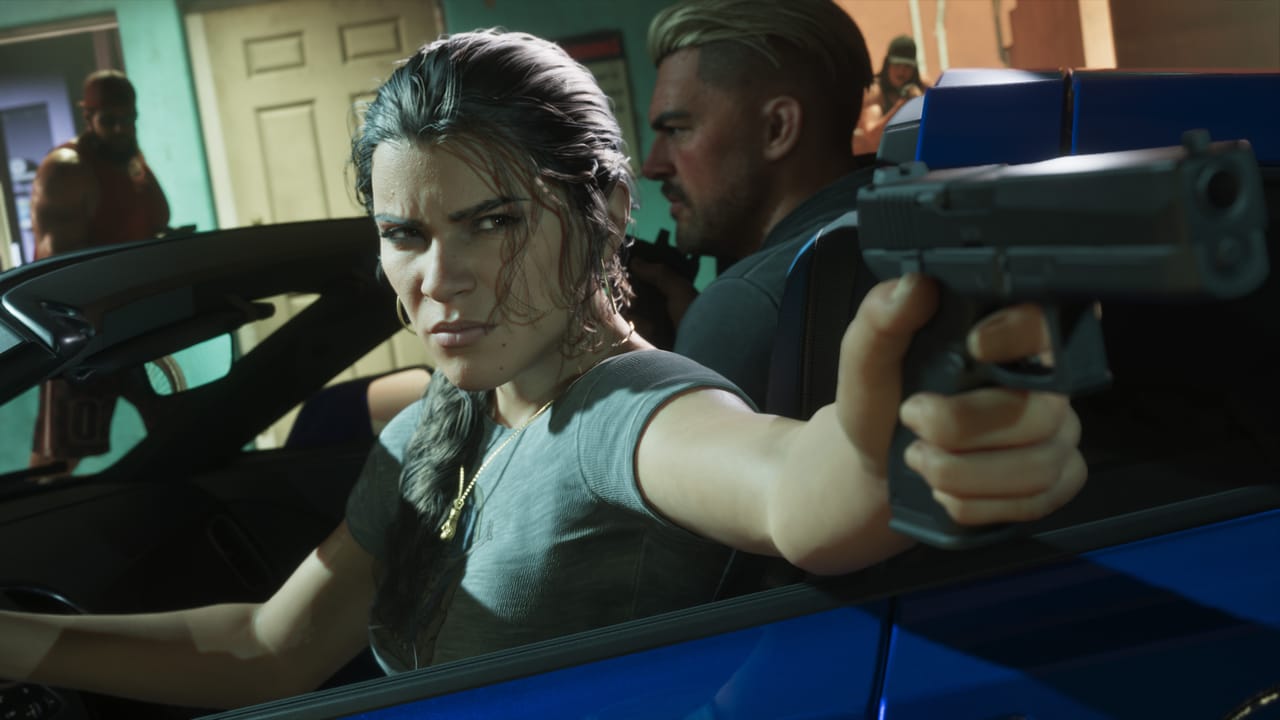
GTA VI lets you change interface size, contrast and controller layouts from its in-game settings. Rockstar’s support guide, updated November 18, lists where to find each option. Open the Pause Menu and select Settings.
Display includes High-Contrast Shaders. The UI section groups settings for scaling and readability, subtitles and captions, navigation and the reticle. Camera has a Comfort group, while Audio lists Narration. The guide does not specify which parts of the game narration covers.
Control Scheme offers layouts tailored to activities including moving on foot, aiming, melee combat, driving, swimming and flying. Under Controller, players can adjust aim and look sensitivity and invert controls. PS5 players will also find settings for DualSense features there.
Restore All and Restore Default options appear at the bottom of the settings screen for resetting changes.
Source: Rockstar Games Customer Support(opens in a new window)


Comments